
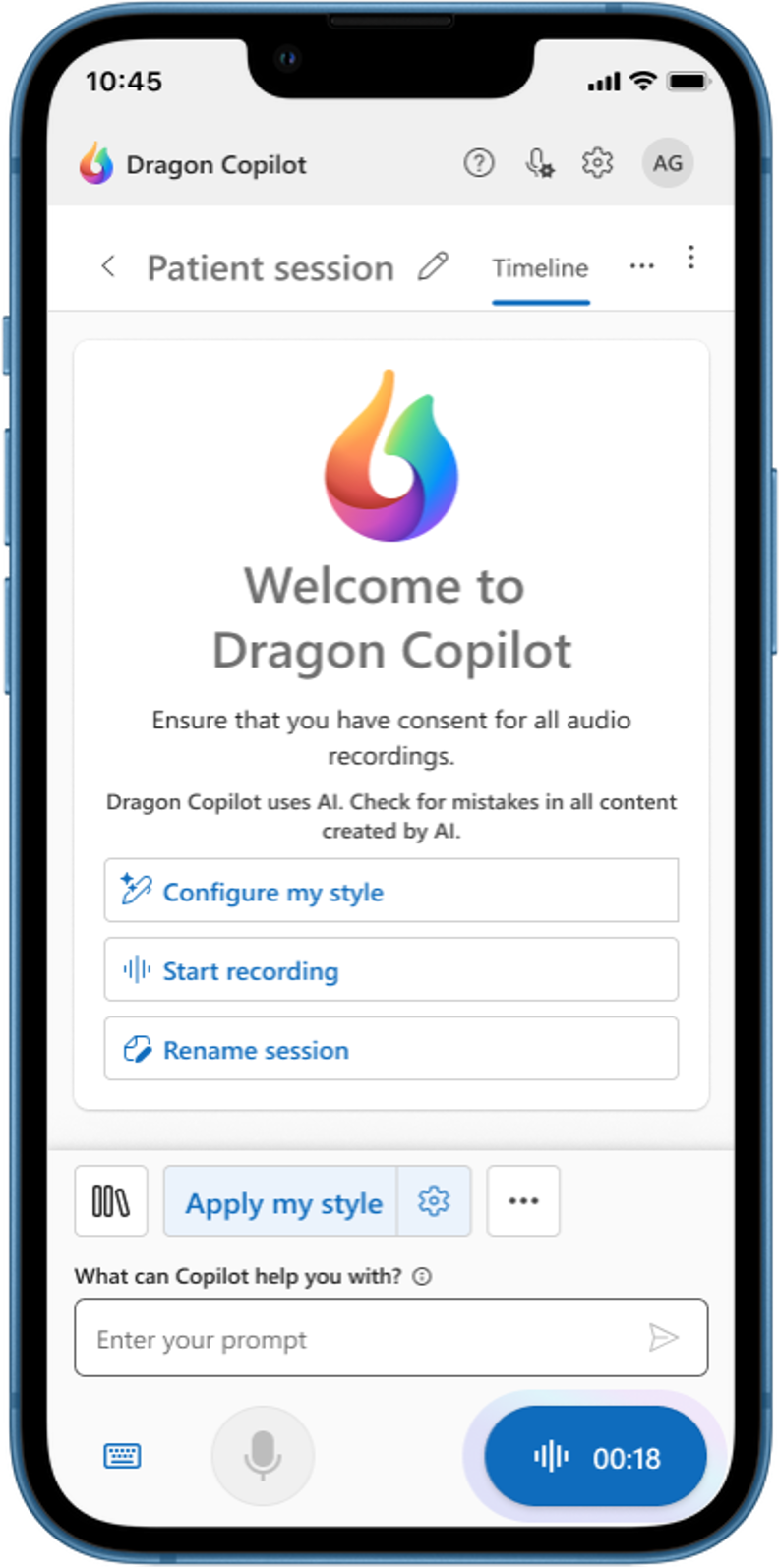

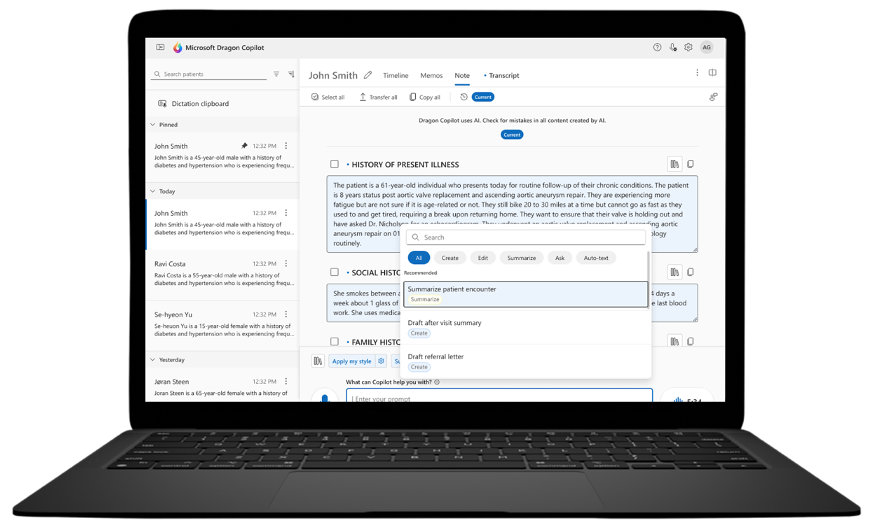
Your AI assistant for clinical workflow
Part of Microsoft Cloud for Healthcare, Dragon Copilot is an extensible workspace that brings together natural language, voice dictation, and ambient speech capabilities with fine-tuned generative AI.
It offers a unified experience and supports clinicians across all stages of their workflow, while helping improve clinician wellbeing, the patient experience, operational efficiency and financial outcomes.
Dragon Copilot, a new unified Dragon experience which merges:

Dragon Medial One
Voice dictation capabilities


Generative AI
Global footprint and approach to trustworthy AI


DAX Copilot
Ambient listening capabilities
Transform the way clinicians work
Streamline documentation
with new levels of customization
-
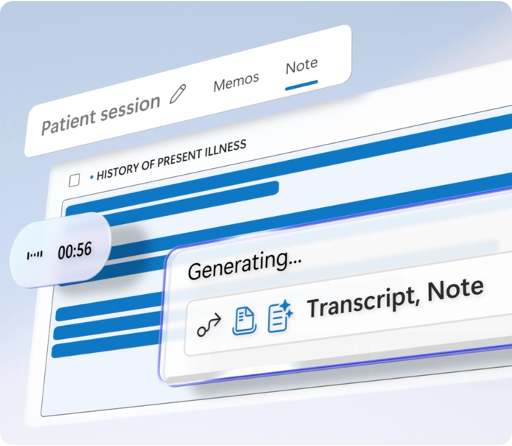
Ambient conversation capture with multiparty, multilingual support
Automatic note conversion into comprehensive specialty notes
Custom style, formatting, and templates auto-applied or on-demand
Prompt and text library to save time with frequently used shortcuts
AI note assist to edit, query, summarize, and create content
ED MDM note style to capture thought process and patient journey
Specialty-specific AI models to precisely capture specialty content
Surface information
without leaving your workflow
-
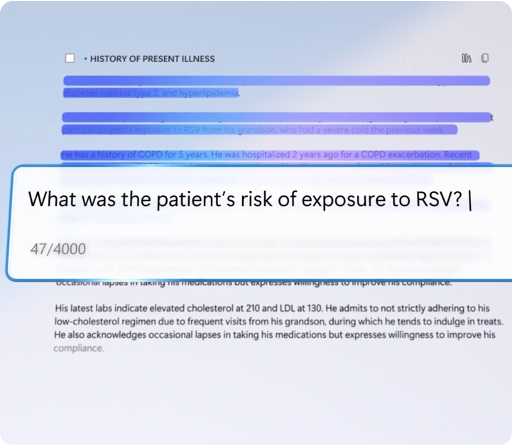
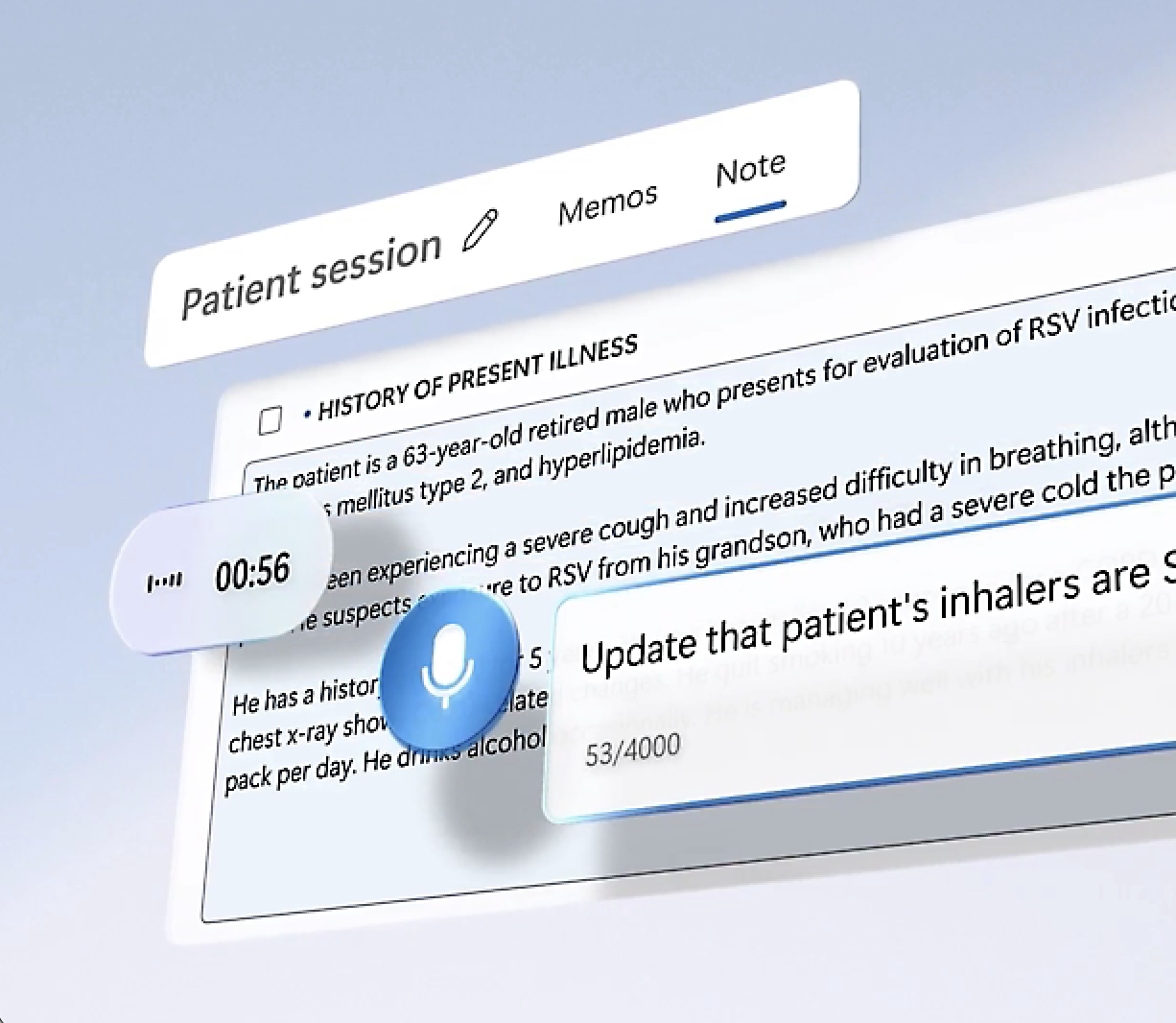
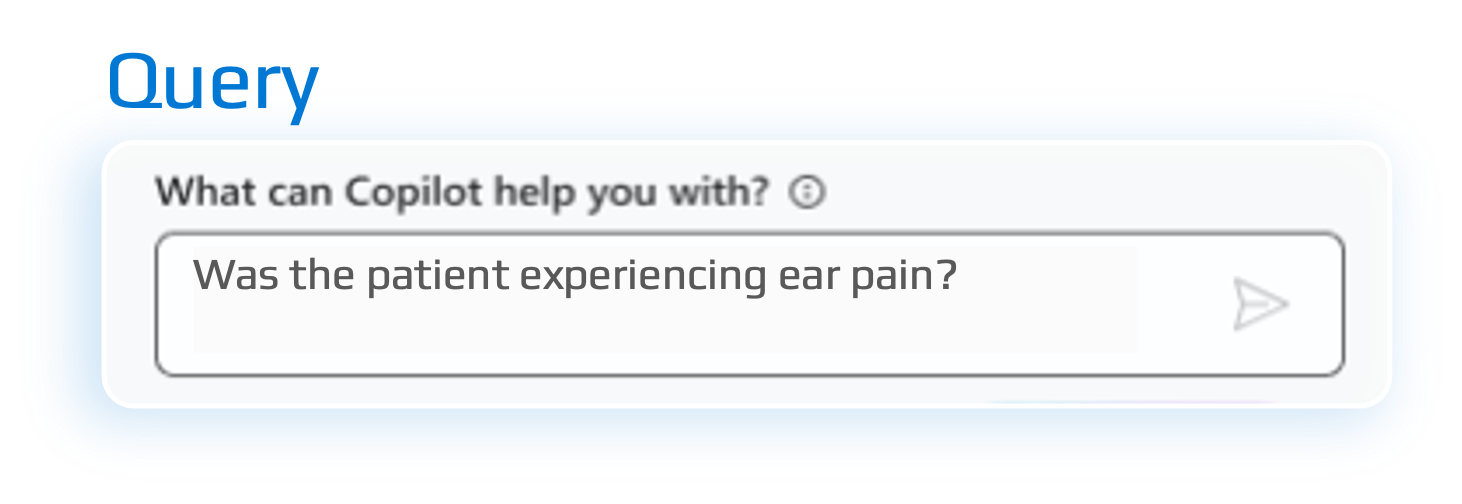
AI prompting to query notes with natural language
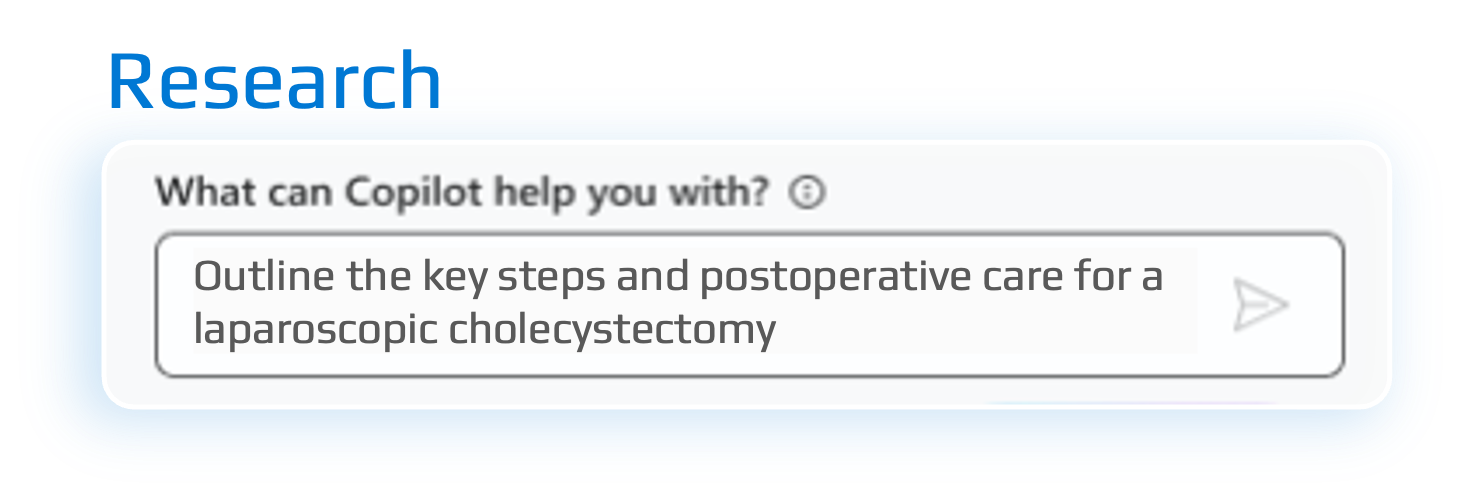
Information assist delivers a wide range of medical info with trustworthy, cited responses
Coaching that provides users with suggestions to improve encounter recordings
Microsoft Fabric + Dragon Copilot integration gives access to encounter data for mining insights
Analytics to see user productivity, adoption, efficiency, and dictation quality
Automate tasks
with a single click
-
Orders captured from the conversation and placed in EHR order list
After-visit summaries created from the transcript with personalized content
Summarize evidence of each diagnosis to validate medical information in the note
Summarize note with a synopsis of the encounter and key facts
Referral letters created from the transcript with the click of a button
Copilot interface to further optimize workflow
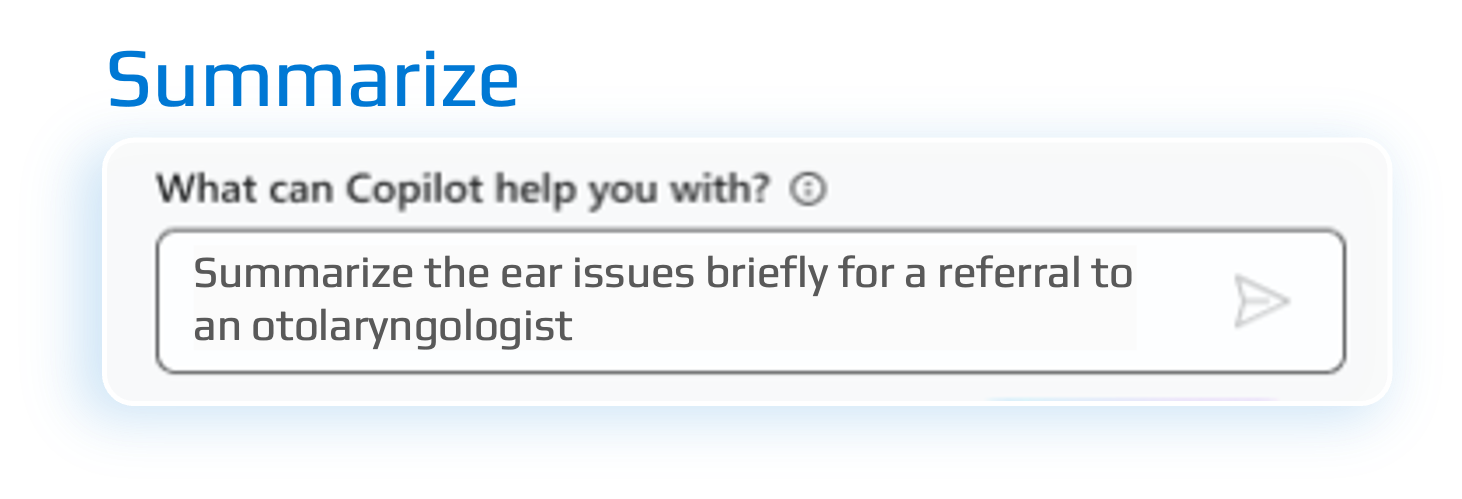
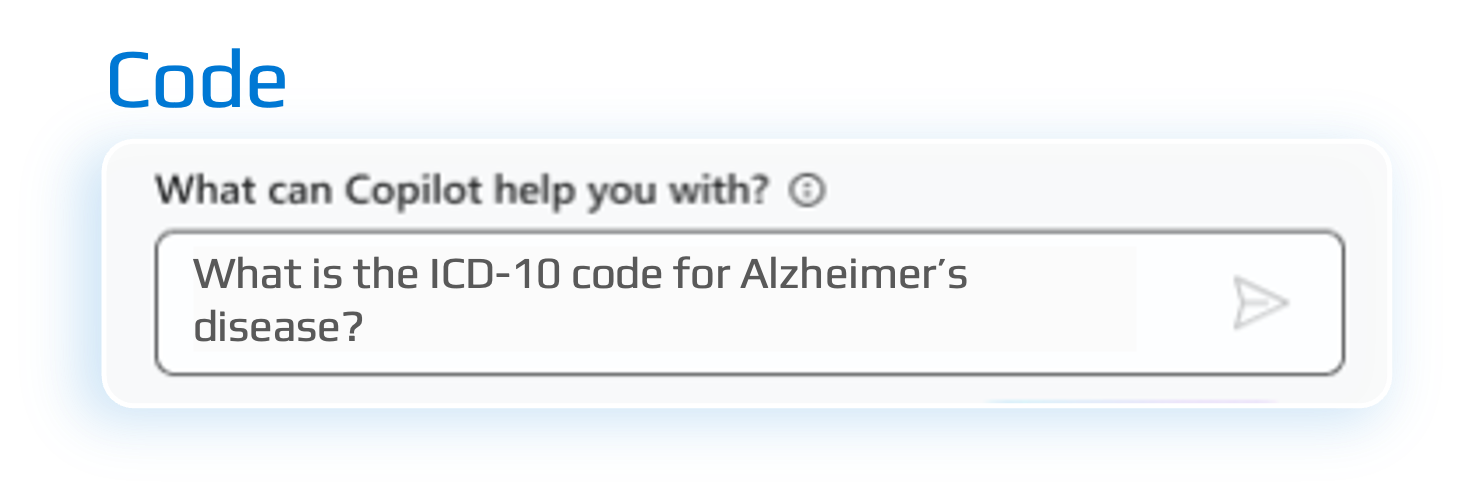
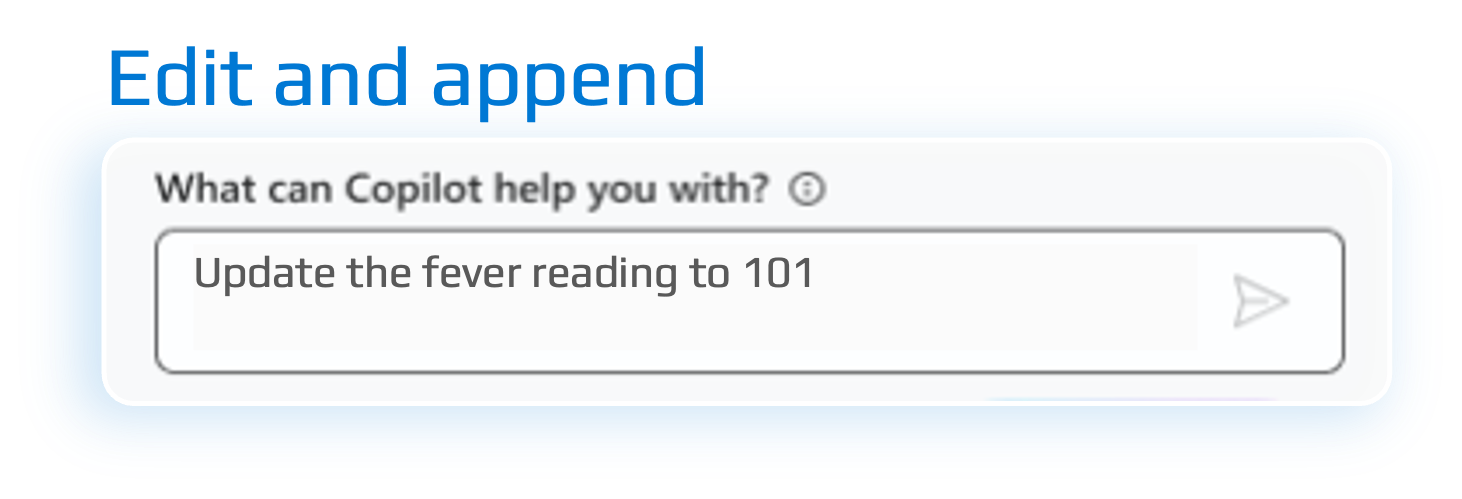
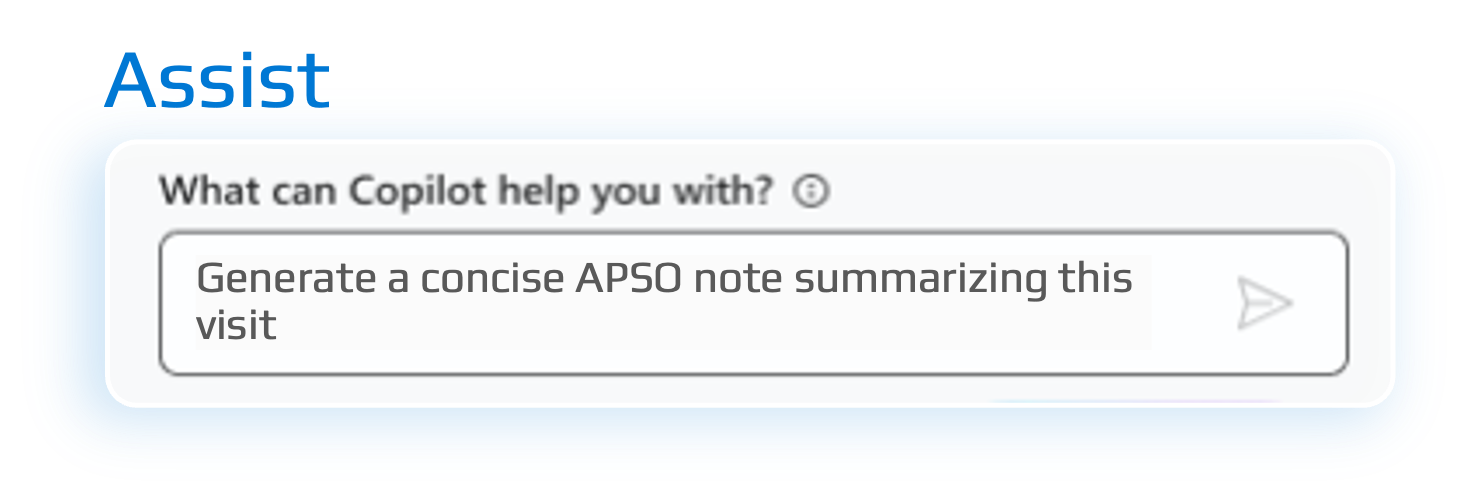

Reduce documentation and lighten your workload by alleviating these challenges:
Annotating patient charts
Reviewing and placing orders
Replying to messages

Signing patient notes

Drafting return to work letters
Searching patient charts

Completing flowsheets
Discharge summaries
Navigating the EHR
Drafting referral letters

Accessing clinical content

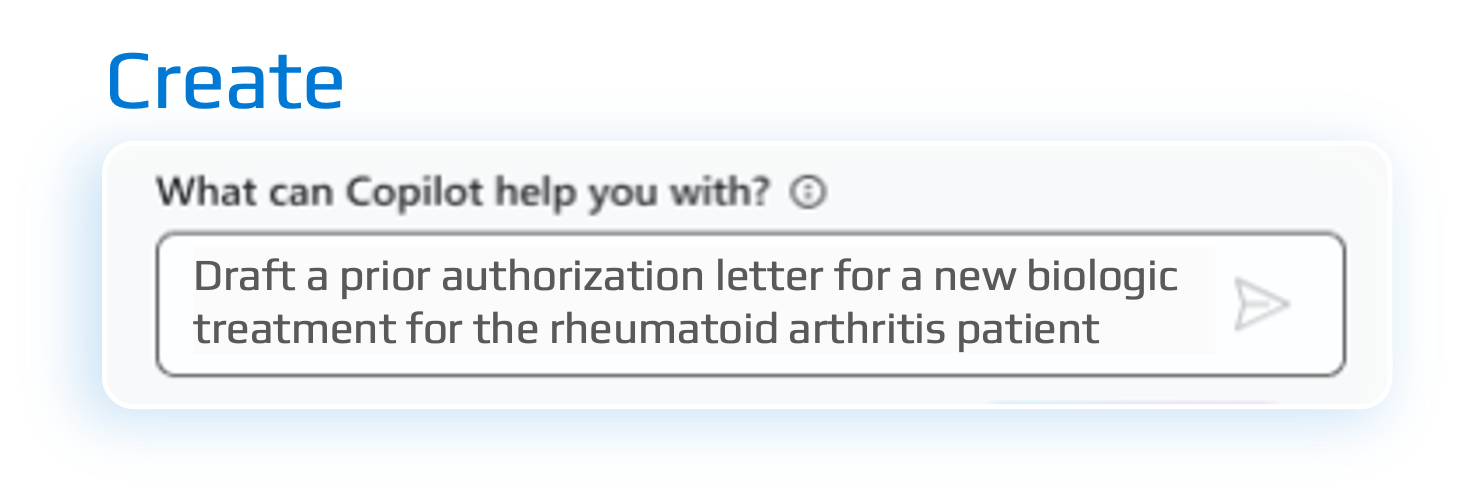
Obtaining prior authorization





Turn your words into a powerful productivity tool
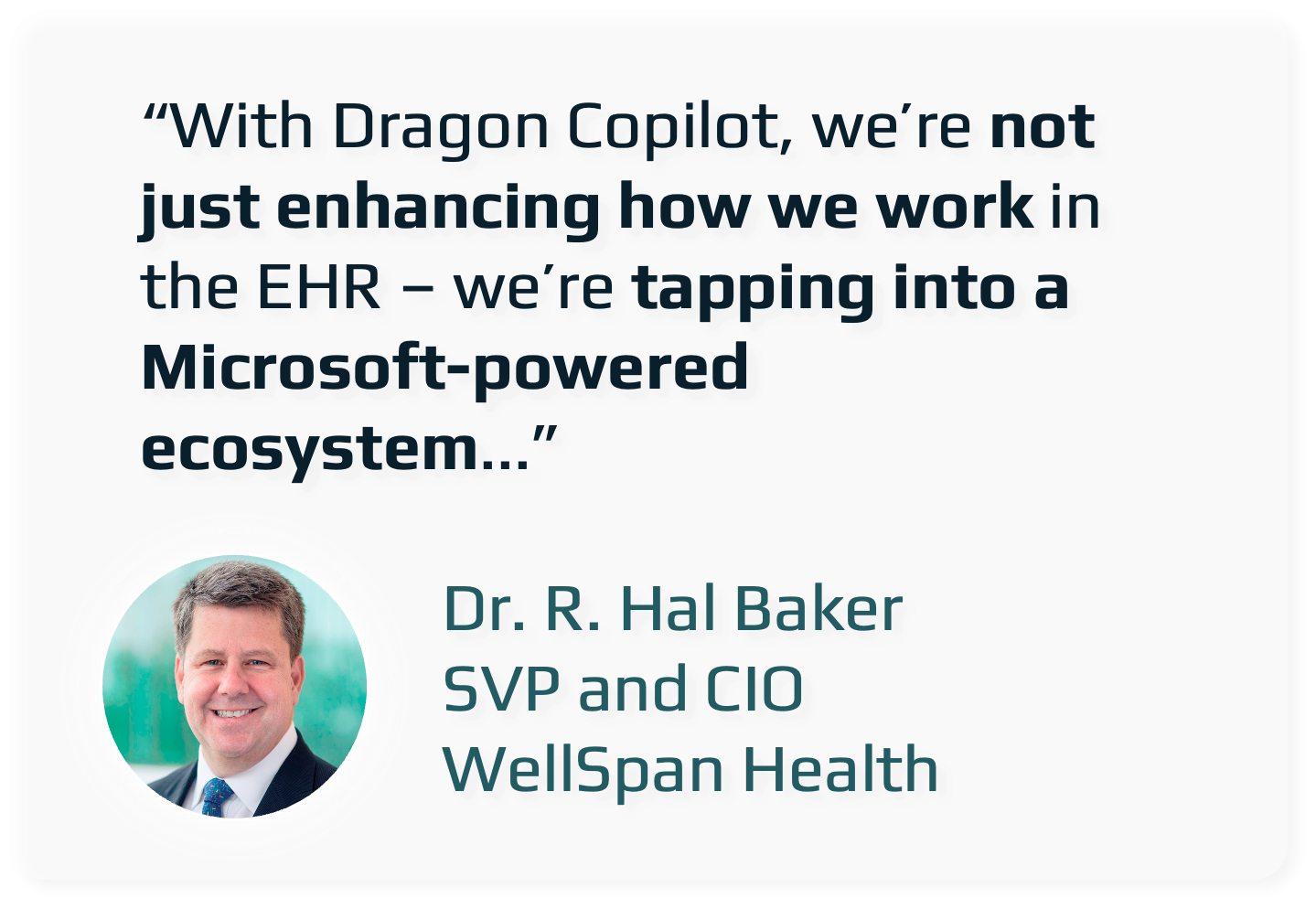

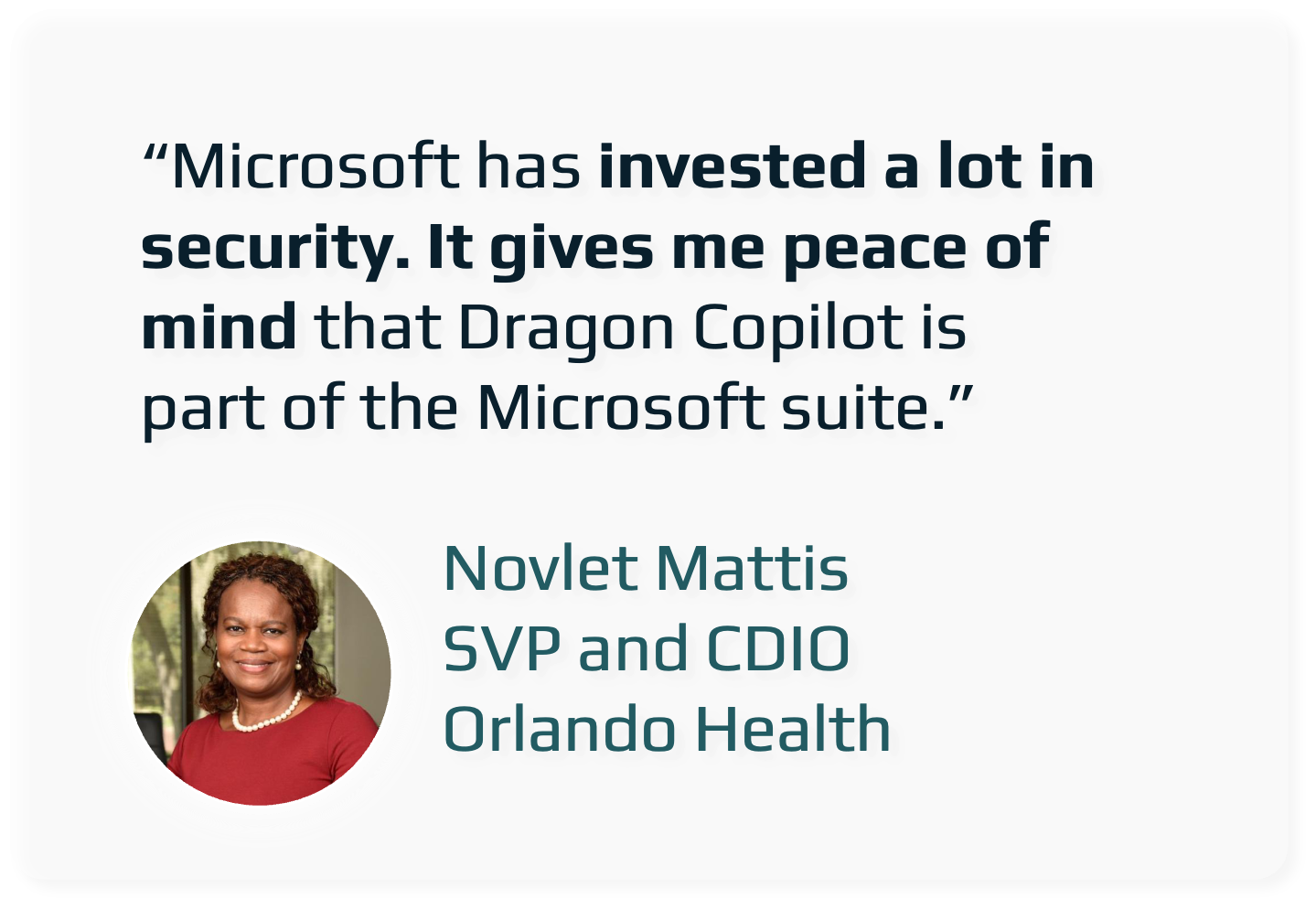
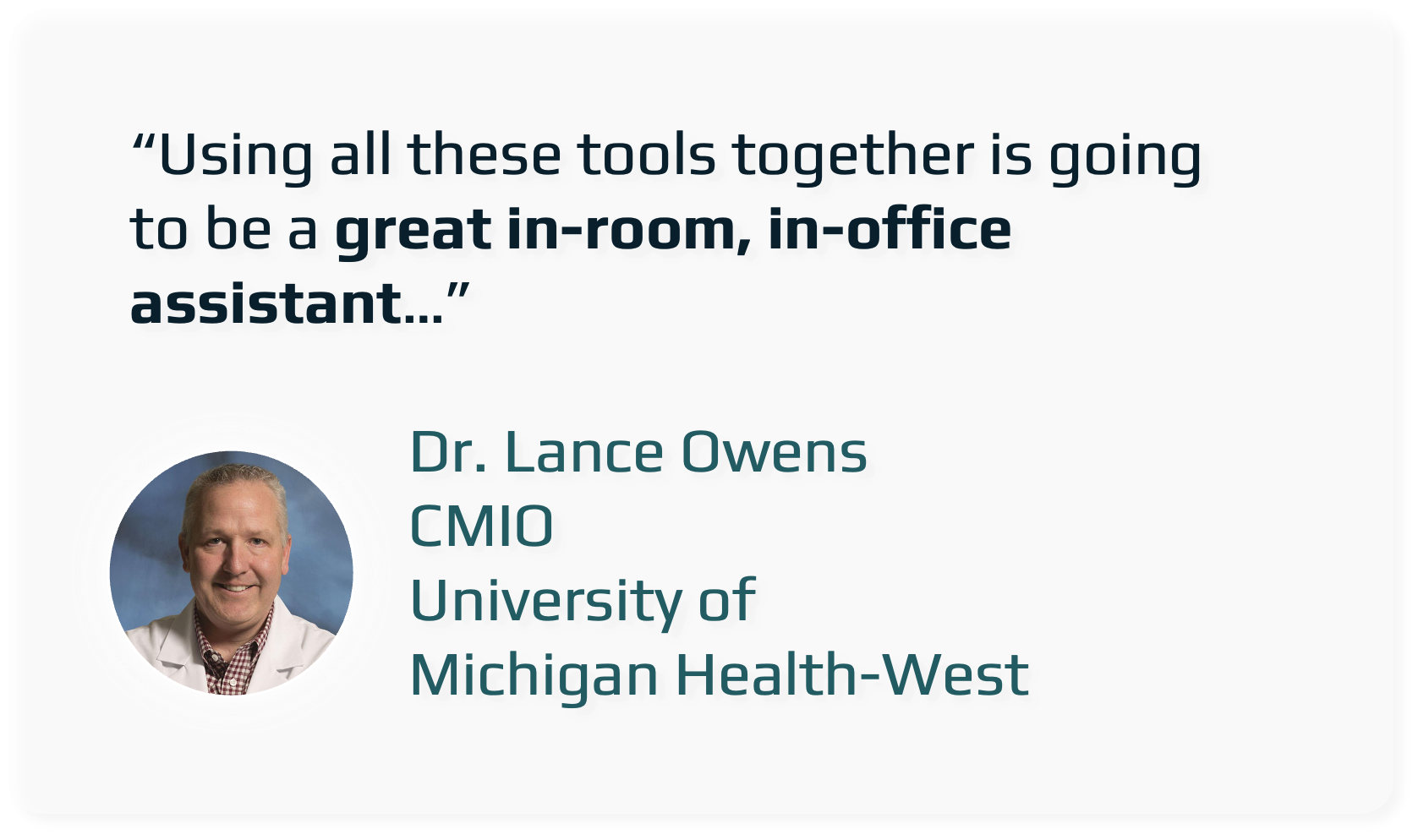
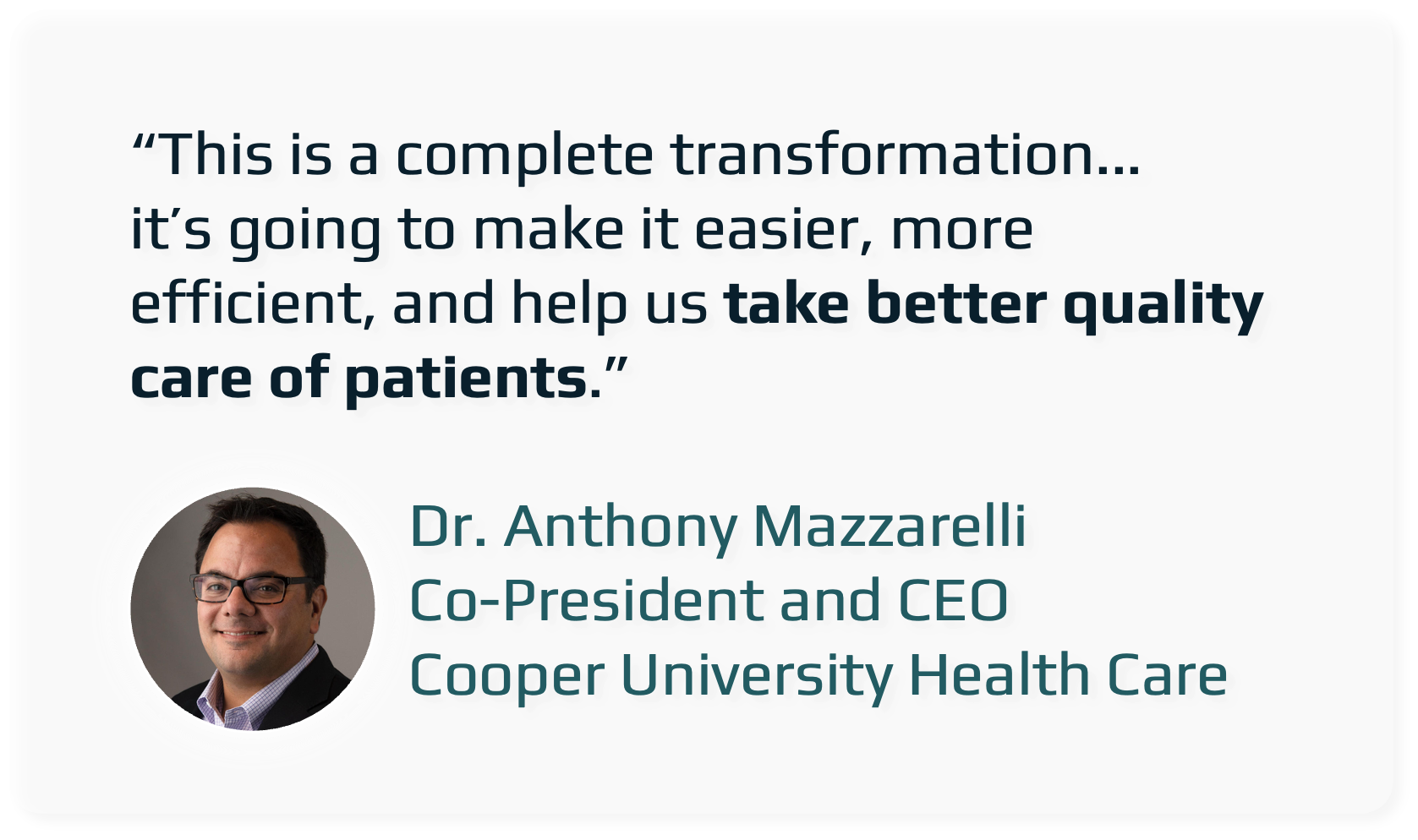
Dragon Copilot is redefining clinical workflows:
automating documentation, reducing burnout, and giving clinicians more time for what matters most: patient care. With seamless EHR integration, ambient listening, and secure, healthcare-grade AI, it’s built for real-world impact.
Experience faster notes, fewer clicks, and better outcomes.
About Microsoft Dragon Copilot
What is Microsoft Dragon Copilot?
Microsoft Dragon Copilot is a clinical documentation platform built for healthcare providers. It brings together three capabilities in one place: front-end dictation for medical speech recognition, ambient documentation that listens during a patient encounter and drafts the note automatically, and an AI assistant that helps you refine, reorganize, and improve notes using plain-language requests.
Is Microsoft Dragon Copilot the same thing as Microsoft 365 Copilot?
No. Microsoft 365 Copilot is a general-purpose productivity assistant for Office applications. Dragon Copilot is a separate, purpose-built product designed specifically for clinical documentation in healthcare settings.
How is Dragon Copilot different from the earlier DAX Copilot experience?
Dragon Copilot is the newer generation of the ambient documentation experience. It combines ambient note creation, Dragon’s medical dictation, and built-in AI tools into a single product, and it supports a wider range of devices than the earlier DAX Copilot workflow did.
Dragon Copilot runs on Windows, macOS, Chromebook, Android, and iPhone/iPad. The earlier DAX Copilot experience was mostly limited to Windows and iPhone, with more restrictions depending on the setup. In short, Dragon Copilot is not simply a renamed version of DAX Copilot — it is a broader platform with more device options, built-in dictation, and a more unified set of AI documentation tools.
Devices & System Requirements
What Windows versions does the desktop application support?
The installed Windows desktop application supports Windows 11, along with Windows Server 2016, 2019, and 2022.
Does Dragon Copilot work on Windows 10?
If you’re running Windows 10, the web browser version will generally cover your documentation needs. Full cursor-level dictation into other applications is a capability of the Windows desktop app, which works best on Windows 11.
What are the requirements for iPhone and iPad?
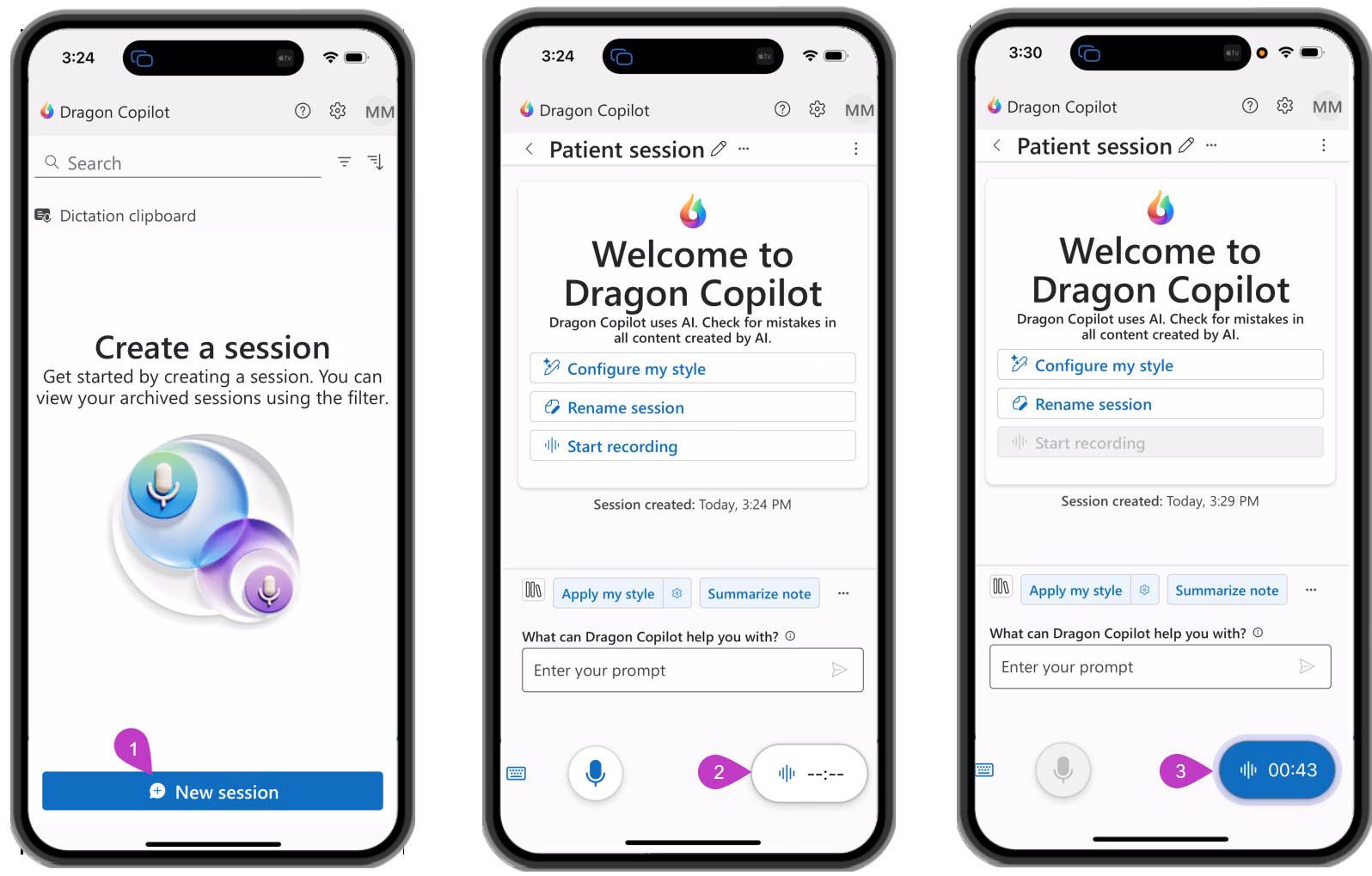
The mobile app requires iOS 17 or newer and runs on both iPhone and iPad. On these devices you can capture the audio from a patient encounter, and review and edit the resulting notes.
Does Dragon Copilot support Android devices?
Yes. Dragon Copilot is available for Android phones and tablets through the app store, with the same encounter capture and note review-and-editing capabilities as iOS. Requires Android 13 or higher.
Can I use Dragon Copilot on a Chromebook?
Yes. On a Chromebook, Dragon Copilot is used through a web browser, typically Chrome, and in some cases through app-based access. You can start and manage sessions and review and edit documentation this way.
Ways to Access Dragon Copilot
What are the different ways I can use Dragon Copilot?
Dragon Copilot can be used through the installed Windows desktop application, a web browser on Chrome or Microsoft Edge, a macOS app or browser, an iOS app, an Android app, a Chromebook browser, and browser extensions for Chrome and Edge. The installed Windows desktop application offers the most complete experience, including dictation directly at your cursor.
What’s the difference between the desktop application and the web browser version?
The installed Windows desktop application is the right choice if you need to dictate directly at the cursor into another application you’re working in, along with full editing and navigation controls. The web browser version doesn’t require any installation and covers starting and managing sessions and reviewing and editing notes, but it does not provide cursor-level dictation into other applications.
How does Dragon Copilot work on a Mac?
On macOS, Dragon Copilot is available through a web browser such as Chrome or Edge. You can start and manage sessions, review and edit notes, and use the AI assistant this way. Cursor-level dictation directly into other applications remains a Windows desktop capability and isn’t available on Mac.
What can I do with the mobile app?
On iOS and Android, the mobile app is commonly used to capture the audio of a patient encounter and to review, edit, and manage notes while away from your desk. It isn’t intended for dictating directly into other desktop applications.
EHR & EMR Integration
Does Dragon Copilot integrate with my EHR?
What you purchase from us is always a standalone Dragon Copilot license, so you have full access to dictation and ambient documentation from day one, working within the Dragon Copilot interface. Separately, connectors that send a finished note directly into a number of EHR systems are available through third-party Microsoft partners. These connectors are an additional cost on top of your Dragon Copilot subscription and are arranged separately from our license, through our distributor or the connector partner directly.
Which EHRs have a connector available?
A handful of EHR systems currently have connectors available through these third-party partners, and the list continues to grow. Ask our team for the current list for your specific EHR.
What if my EHR doesn’t have a connector?
You don’t need a connector to start using Dragon Copilot. You can generate the note within Dragon Copilot and copy or paste the finished note into your EHR. Many practices start this way and add a connector later if one becomes available and makes sense for their workflow.
Getting Started
What do I need to get started?
The quickest way to get started is to book a short demo with our team. We’ll walk through your workflow, answer any questions about setup, and help you decide which license fits your practice.
Do I need a Microsoft business account to use Dragon Copilot?
Yes. Dragon Copilot requires a Microsoft organizational account through Microsoft Entra (formerly Azure Active Directory). Personal Microsoft accounts, such as those through Outlook.com, Hotmail, or Gmail, aren’t supported. If you’re not sure what your practice currently has set up, our team will help confirm this and walk you through anything that’s needed.
What if my practice doesn’t have a Microsoft tenant yet?
That’s fine. We’ll guide you through setting one up, including creating a new organizational tenant if needed and configuring the access and licensing your team requires before you start using Dragon Copilot.
Licensing Options
What licensing options do you offer?
We offer two Dragon Copilot licenses: the Physician Per User license, which is the full Microsoft Dragon Copilot experience, and the Physician Flex license, a lower-cost entry point that still includes real ambient AI capability.
What’s the difference between the Physician Per User license and Flex?
The Physician Per User license is our complete Dragon Copilot offering: full front-end dictation, unlimited ambient documentation, and the AI assistant, all billed as one predictable monthly subscription. The Physician Flex license runs on the same trusted dictation engine at a lower base cost, with AI-assisted documentation billed separately based on usage through Azure. As a current offer, Flex includes a set number of free AI-assisted sessions each month, currently 10, though this is a promotional offer and the number or availability of free sessions may change. Ask our team for the current terms before you sign up.
When does Flex make more sense than the full Physician Per User license?
Flex tends to be a good fit when:
- Your AI usage varies significantly — some visits you’ll want it, others you won’t.
- You’re transitioning from Dragon Medical One and want to ease into AI-assisted notes gradually.
- You’d rather start at a lower base cost and are comfortable keeping an eye on usage-based billing.
The full Physician Per User license tends to make more sense when you want one predictable monthly cost with no usage to track, and you expect most clinicians to use AI assistance on most or all of their patient visits.
Is there a risk of unexpected costs with Flex?
If AI usage runs high or goes unmonitored, the usage-based portion of Flex billing can add up and, in some cases, exceed what the full Physician Per User license would have cost. We recommend keeping an eye on usage, particularly once any free session allowance has been used or if that offer changes.
What is the subscription term?
Both the Physician Per User license and the Physician Flex license are offered on a 12-month, one-year term. This applies to both licenses.
Support & Next Steps
How do I request a demo?
Reach out to our team by phone or through our website to schedule a demo, and we’ll walk you through Dragon Copilot using your own workflow.
How do I get technical support after I’ve signed up?
Our support team is available by email and a direct booking link for setup help, training questions, and ongoing technical support, so you’re never left figuring things out on your own.
Dragon Copilot Customization & Training Services
Make Dragon Copilot work the way your practice actually documents. Whether you need specialty-specific templates, custom AI prompts, or additional provider training, our DragonSpeech specialists can help tailor Dragon Copilot to better match your workflow, note style, and documentation preferences.
Select from our packages:
Includes: 3 custom templates + 2 custom prompts
Get Dragon Copilot working the way your practice works. This package includes three specialty-specific clinical note templates built to match your preferred documentation structure, plus two custom AI prompts that shape how Dragon Copilot interprets and generates your clinical content. Ideal for practices with multiple note types or providers who want tightly tailored output from day one. After purchase, a booking link will be emailed to you to briefly connect with a technician to discuss the work to be completed.
Includes: 1 custom template + 1 custom prompt
A focused customization option for providers who want a single optimized starting point. Includes one clinical note template built to your specifications and one custom AI prompt to guide how Dragon Copilot captures and structures your dictation. A great entry point for solo providers or those adding a new note type to their workflow. After purchase, a booking link will be emailed to you to briefly connect with a technician to discuss the work to be completed.
Includes: 6 custom prompts
Expand the power of Dragon Copilot with a suite of six custom AI prompts designed to handle the full range of your clinical documentation needs. Custom prompts define how Dragon Copilot interprets your voice and structures your notes, allowing you to fine-tune output by visit type, specialty, or documentation preference. Best suited for practices looking to standardize documentation style across providers or encounter types. After purchase, a booking link will be emailed to you to briefly connect with a technician to discuss the work to be completed.
Includes: One 45 minute session
For providers beyond the initial onboarding session.
Hands-on, provider-focused training designed to help you get more out of Dragon Copilot. Each 45-minute session is tailored to where you are in your workflow — whether you're looking to improve dictation efficiency, explore advanced features, refine how you use custom templates and prompts, or troubleshoot habits that are slowing you down. Delivered one-on-one with a DragonSpeech specialist. Additional sessions can be booked as needed. After purchase, a booking link will be emailed to you to schedule your 45-minute training session.

New
The Physician Flex License
Not ready for a full Dragon Copilot license? The new Physician Flex license gives you unlimited front-end dictation built on the same core speech engine as Dragon Medical One, plus 10 AI-assisted sessions every month at no charge. Try ambient AI note creation on real patient visits, with no extra cost and no pressure to upgrade. From $63/month (US).